Year: 2024

20 Mar 2024 Spring Theme: Gary

Gary seems to always be on the road somewhere photogenic. This month was no difference and he shared some great images from one of his regular spots – Yosemite. Like many of us, he hops between a mirrorless camera system with interchangeable lenses and his iPhone. Check out the Raven black&white iPhone image – amazing what that cell phone camera can do.

20 Mar 2024 Spring Theme: Jim

Jim took a his annual family trip to Arizona for San Diego Padres Spring Training. After a crazy electrical thunderstorm canceled Friday night’s game. There were two enjoyable, clear-weather day games. After Phoenix, Jim traveled to Camp Verde for five rainy days in the Sedona area. Somewhat depressing photography conditions aside, here a few photos shared at Wednesday photography interest group Zoom meeting. With a “Spring Season” theme, Jim also shared some photos from the Carlsbad Flower Fields shot under sunnier skies.

20 Mar 2024 Spring Theme: Barbara

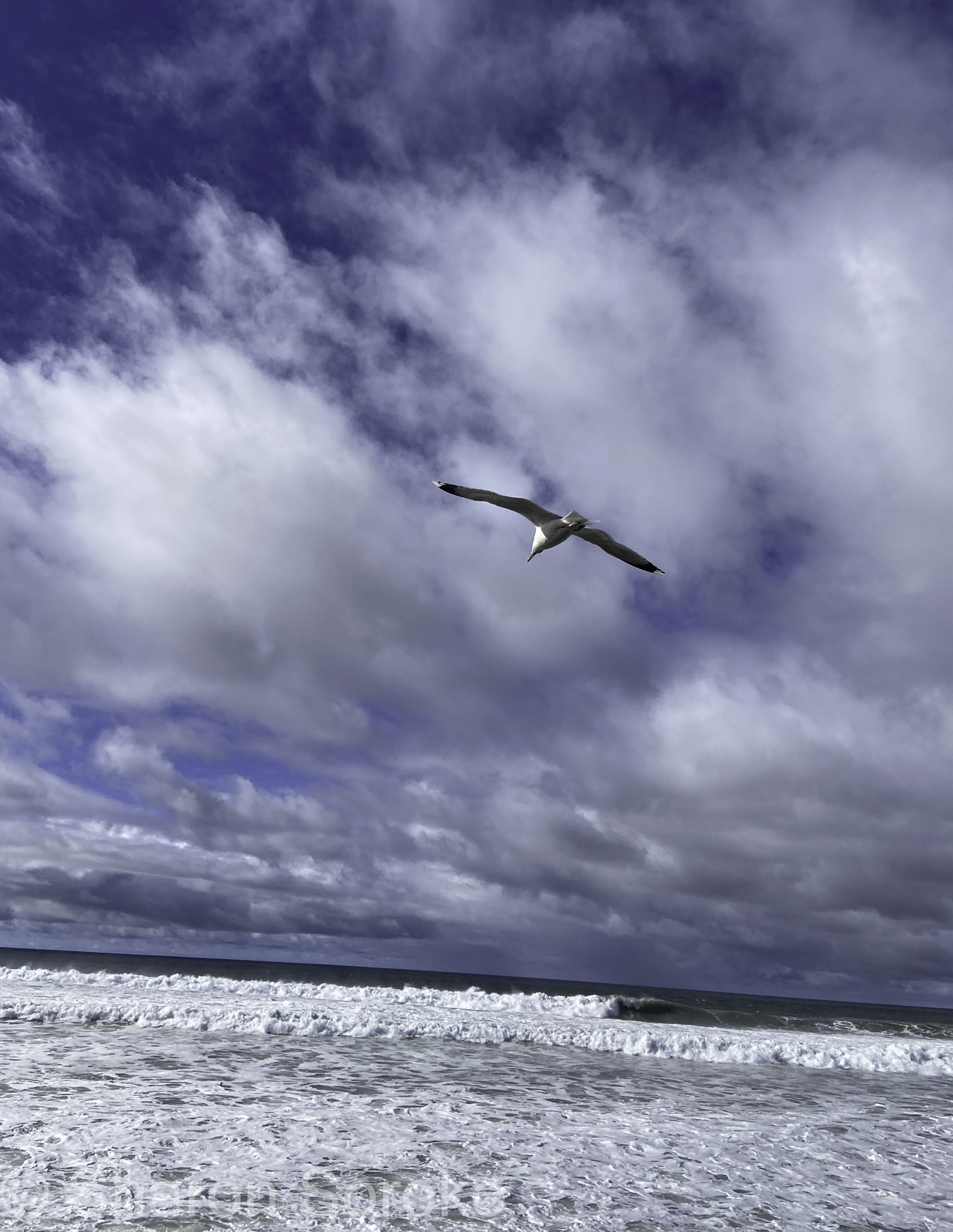
Barbara always seems to catch unique bird behavior during her walks around San Diego. Luckily (or habitually), she always has her camera handy and shows the patience necessary to catch unique moments. She has also been experimenting with street photography & post-processing, something she hasn’t been very interested in doing. I hope that the influence of our photo group.

20 Mar 2024 Theme: Spring

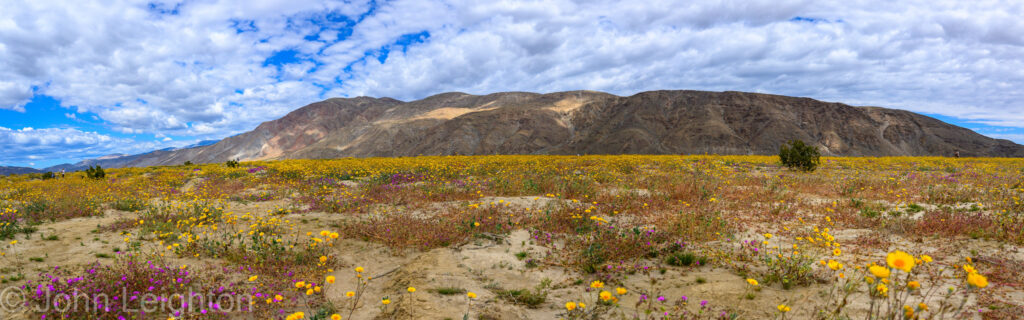
We had a lively discussion this month and everyone shared their favorite images, most theme-related. Anza-Borrego wildflowers were a popular theme-related subject as most SoCal photographers enjoy the post-wet-winter super-blooms. Carlsbad Flowers Fields, Yosemite, and Alabama Hills were also represented. Here are the images presented:

Ralf

John

Jerry

Gary

Cathy

Sharon

Mikky

Barbara

Jim

Tutorial: Photoshop Sky Replacement AI

Adobe Photoshop can easily replace an empty sky with skies in Adobe’s library or your own. There are times when you’ve got a great photo but, because of timing or other circumstances, you miss a more interesting sky by minutes or hours or days.
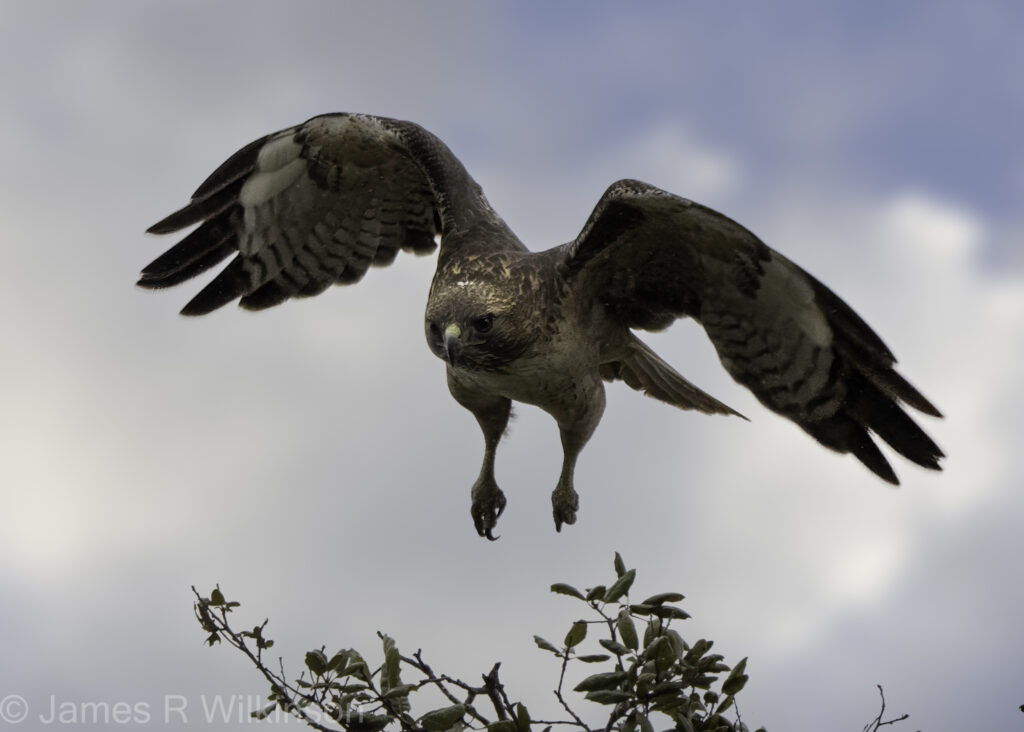
I photographed a Red Tail Hawk against grey rainy skies. Because of the bright backlighting, I added +2 stops compensation. So the bright, flat sky, was completely washed out. To add a more interesting sky, I used Photoshop’s Sky Replacement (Menu: /Edit/Sky Replacement) to replace the background. I also applied a Filter/Gaussian Blur to soften the focus on the crisp clouds, adding bokeh.
Purist will scoff at using tools as this but there are times and circumstances when this is fine in my photography. As long as I’m honest about what edits I’ve done and they aren’t presented as untouched. I grew up with photographic film artists like Jerry Uelsmann and Man Ray. Their photographic manipulations were part of their vision, creative process and integral to their photographic process.

If you prefer to use your own sky photos, once the sky replacement dialog box opens, click the v next to the sky thumbnail then the + in the lower right. A file select dialog box will open, select the photo – it can be a raw file – then click Open. This will add the sky to the existing library. Skies can be manipulated, scaled, flips, rotated, and edited. Although, you may want to do all your edits before importing the image into the library.

Adobe’s instructions on using your own skies:

Get the sky you love in three easy steps.” Adobe

Note – the following text if from Adobe’s sky replacement web page:

The Sky Replacement tool uses artificial intelligence to insert a new sky in place of the sky in the original image. Thanks to Sky Replacement algorithms, Photoshop can analyze and recognize the current sky and then plug in a new one. Upgrade your original sky in three steps:

1. Go to Select and choose Sky from the drop-down menu.

2. Choose Edit › Sky Replacement.

3. Use the sky drop-down to select a new sky from one of the preset sky images.


Adobe Photoshop offers a collection of skies, organized in three categories: Blue Skies, Spectacular, and Sunset. Blue Skies include daytime skies in solid blue or with clouds. Spectacular skies range from dramatic storm clouds and sunscapes to rainbows and a night sky. Sunset features yellow, orange, pink, and red sunset hues.

You can also import and use your own sky image to replace the sky. To do this, click the down caret and then the plus sign — you can import any JPG or PNG image.

“The best thing about Sky Replacement is that everything remains editable via the traditional Photoshop workflow,” says photoshop expert Jesús Ramirez. “This is not like a filter where once you apply it, you’re stuck with it. You actually have a lot of control, and all these controls eventually become a layer mask or adjustment layer.”

https://www.adobe.com/creativecloud/photography/discover/sky-replacement.html#:~:text=Get%20the%20sky,or%20adjustment%20layer.%E2%80%9D